Markdown Editor
#_
Why build yet another Markdown editor
There's no shortage of Markdown editors out there, but very few that actually feel good to use. They either get the typography slightly wrong, handle mixed Chinese-English text awkwardly, or bury simple writing under layers of complexity. So I decided to build my own—vibe coding alongside an AI, starting from a blank page, to make a writing tool that matched my taste and habits exactly.
This isn't a templated web app stitched together from components. It's a fully native macOS application written in SwiftUI + AppKit. What I wanted was that feeling of opening an app and immediately wanting to do nothing but write.
What it looks like
The whole thing is designed around one word: restraint.
An immersive window. I take over
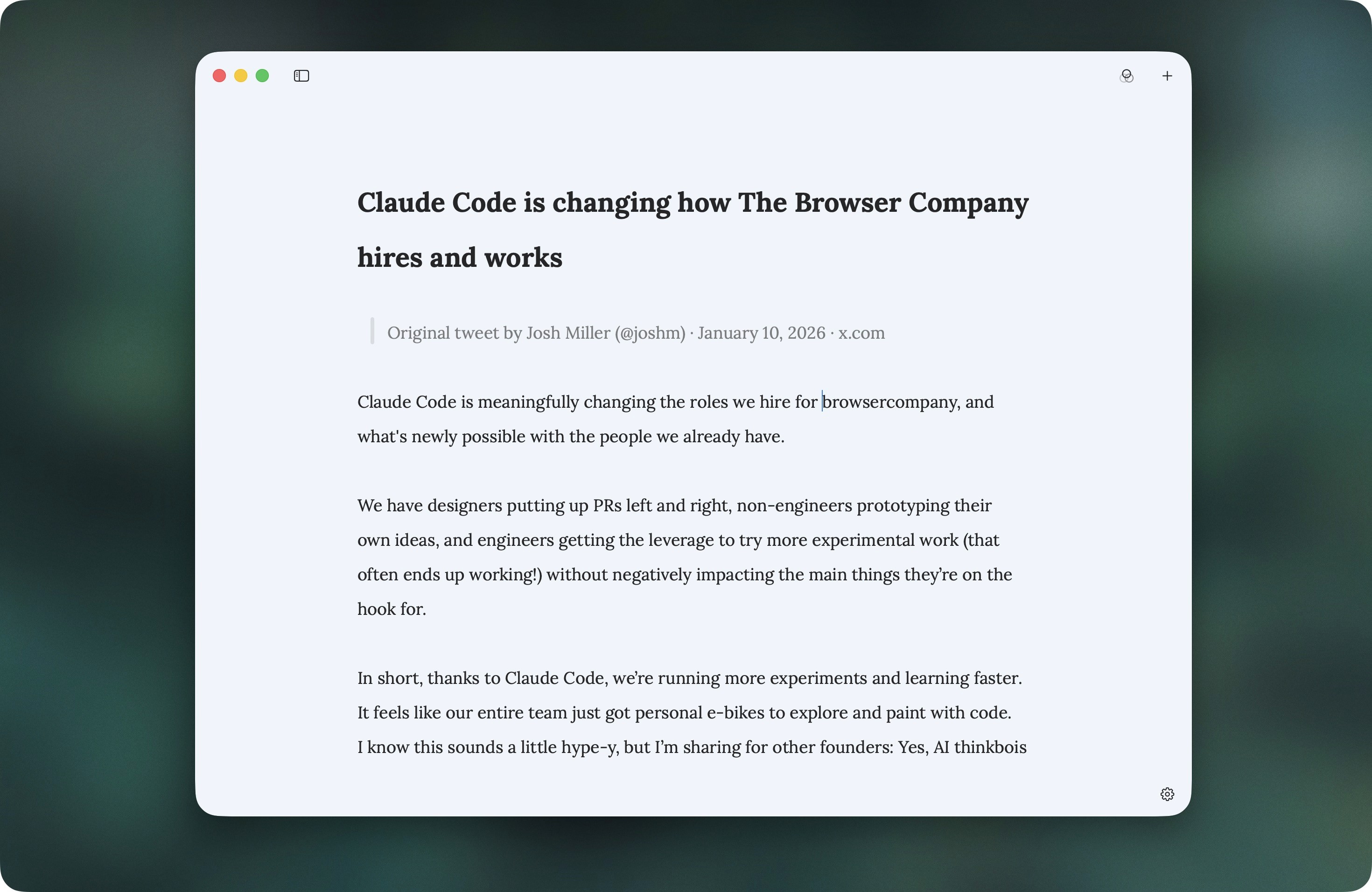
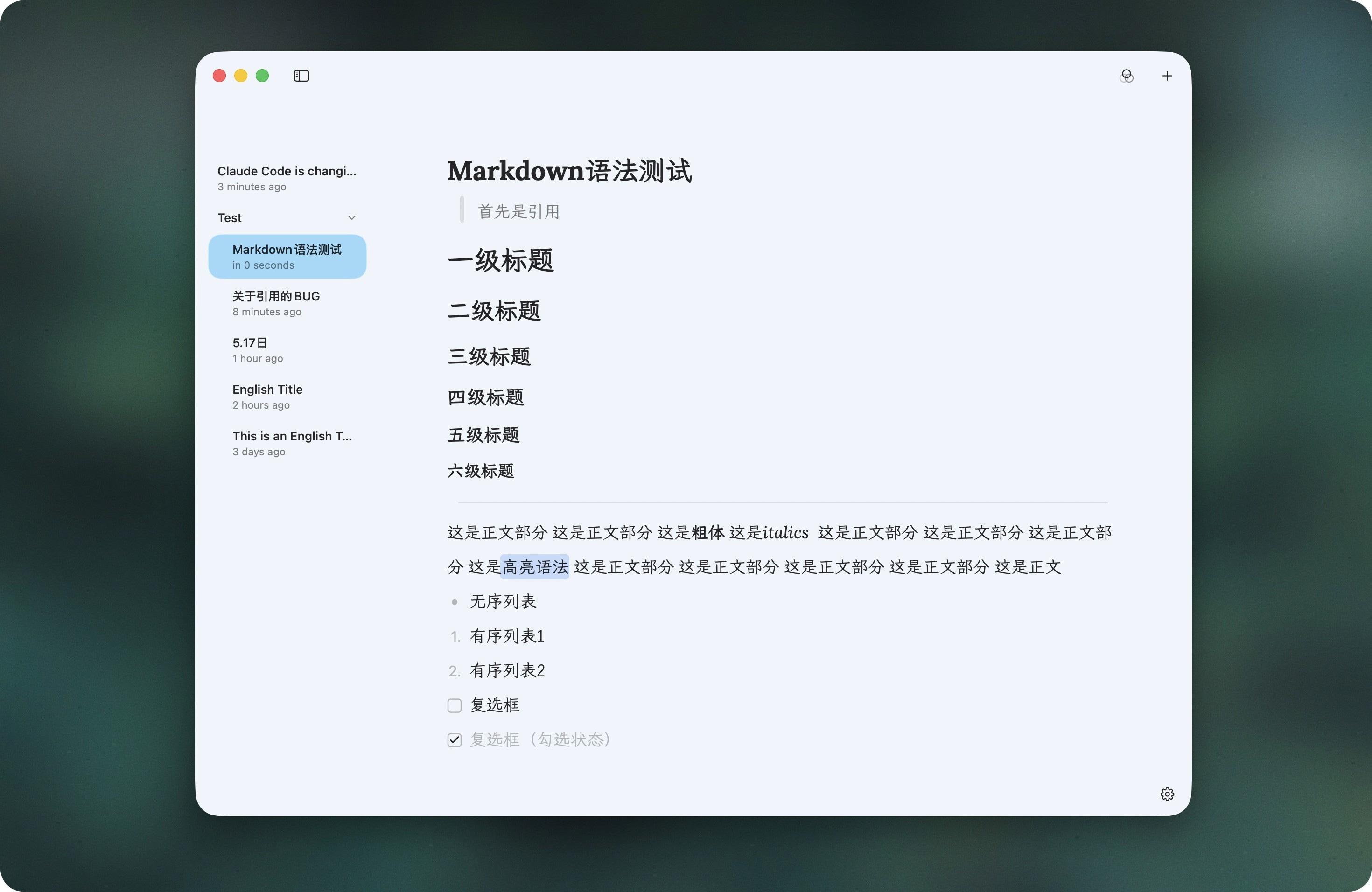
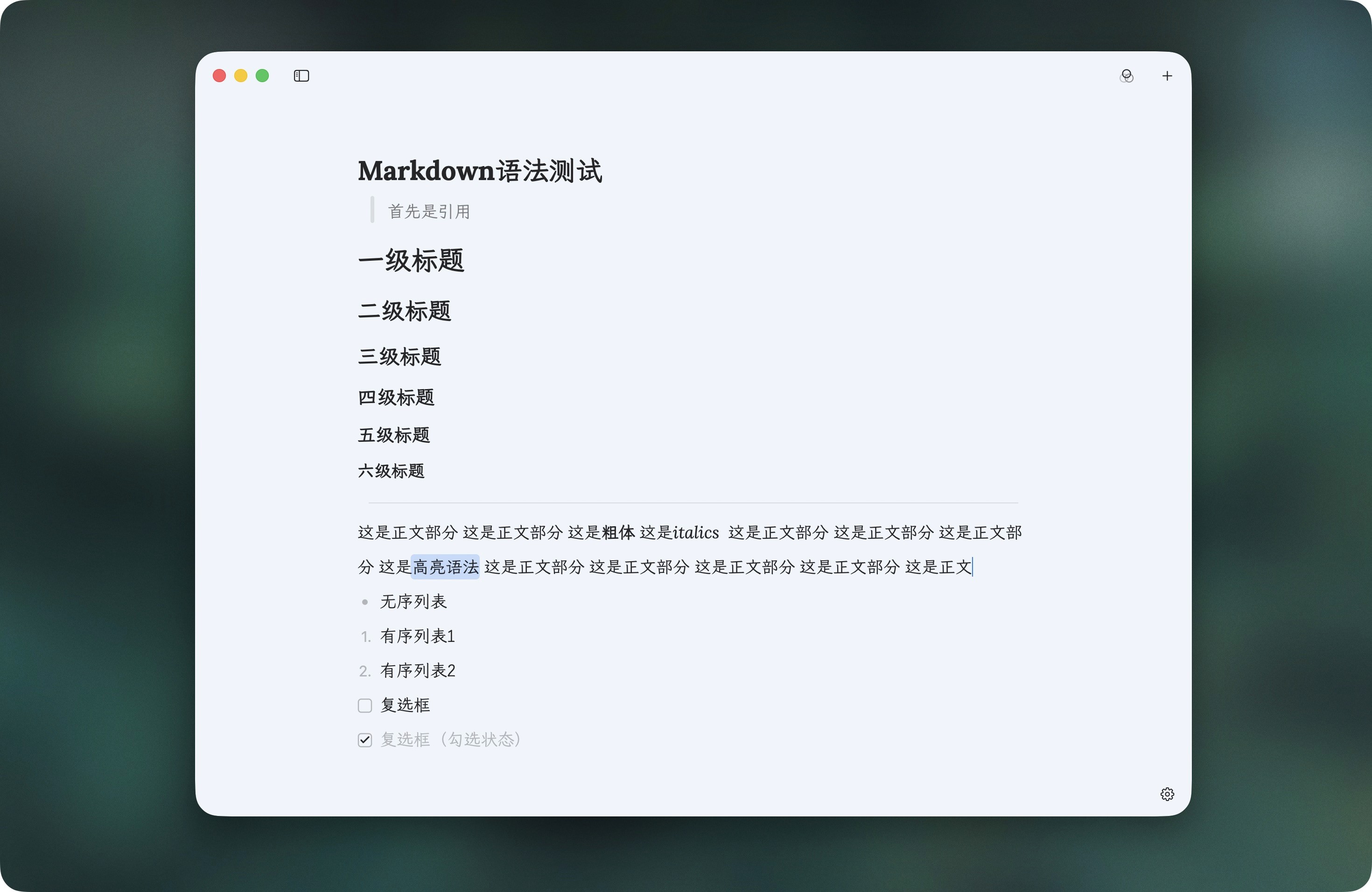
NSWindowcreation manually so I can pair it with the large rounded corners of macOS 26 (Tahoe) and inject custom buttons directly into the titlebar, on the same row as the red-yellow-green traffic lights. The titlebar, content area, and sidebar all share a single background color—a misty blue#F0F4F8in light mode, a deep-ocean blue#0F172Ain dark mode—so there's no visual seam anywhere.Carefully chosen fonts. Lora for Latin text, LXGW WenKai Mono for Chinese, wired together through Core Text's font cascade so each script renders in its proper place. Even bold and italic map to the correct CJK weights instead of letting the system fall back to some ugly default.
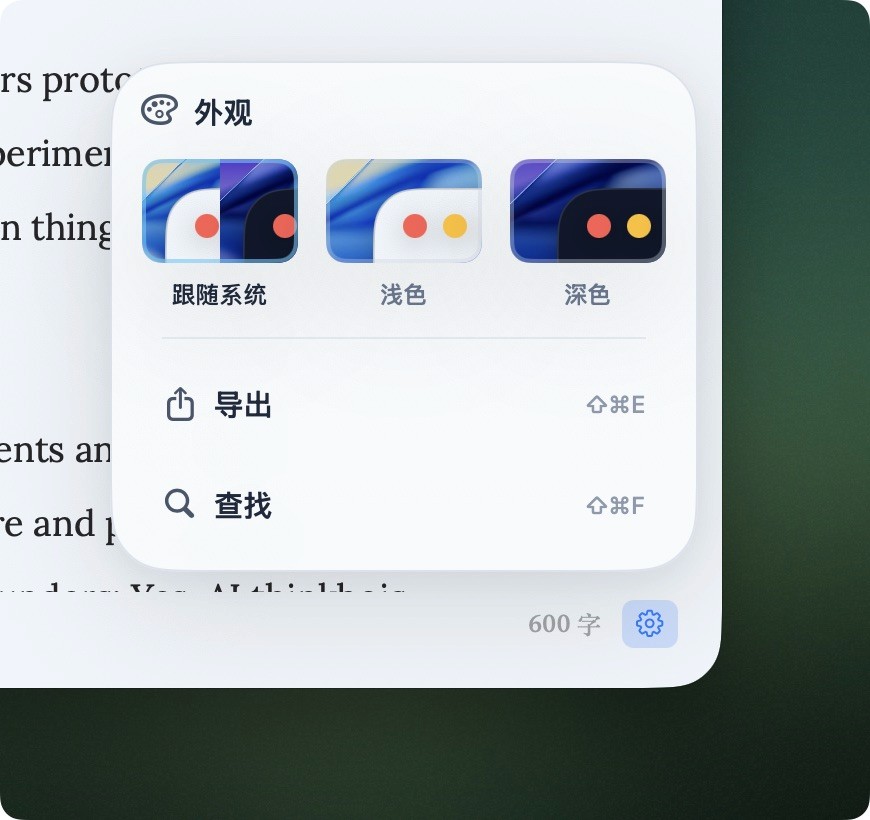
Three appearances. Light, dark, and follow-system. The settings panel even draws little window previews complete with the Tahoe wallpaper, so you can see exactly what you're switching to.
What it can do
It looks quiet, but it doesn't skimp on features.
Live Markdown highlighting. The editor core doesn't use SwiftUI's built-in TextEditor (which can't do custom line heights or fine typography). Instead it's rebuilt on top of NSTextView. The underlying storage is always plain text, and the highlight styling is recomputed on every edit—what you see is styled, but the source stays untouched.
Image support that actually works. This is the part I'm proudest of. Drag an image straight into the editor and it's inserted; the app copies the original into a per-document asset folder isolated by document ID, so it never clutters your own folders, and moving or deleting the original doesn't break the display. You can select images inline, drag the corners to resize, set left/center/right alignment, and toggle rounded corners. These attributes use a Pandoc-style syntax that stays compatible with standard Markdown: {width=480 align=center rounded=true}. It parses fine without the braces, so dropped into any other editor it's still just a normal image.
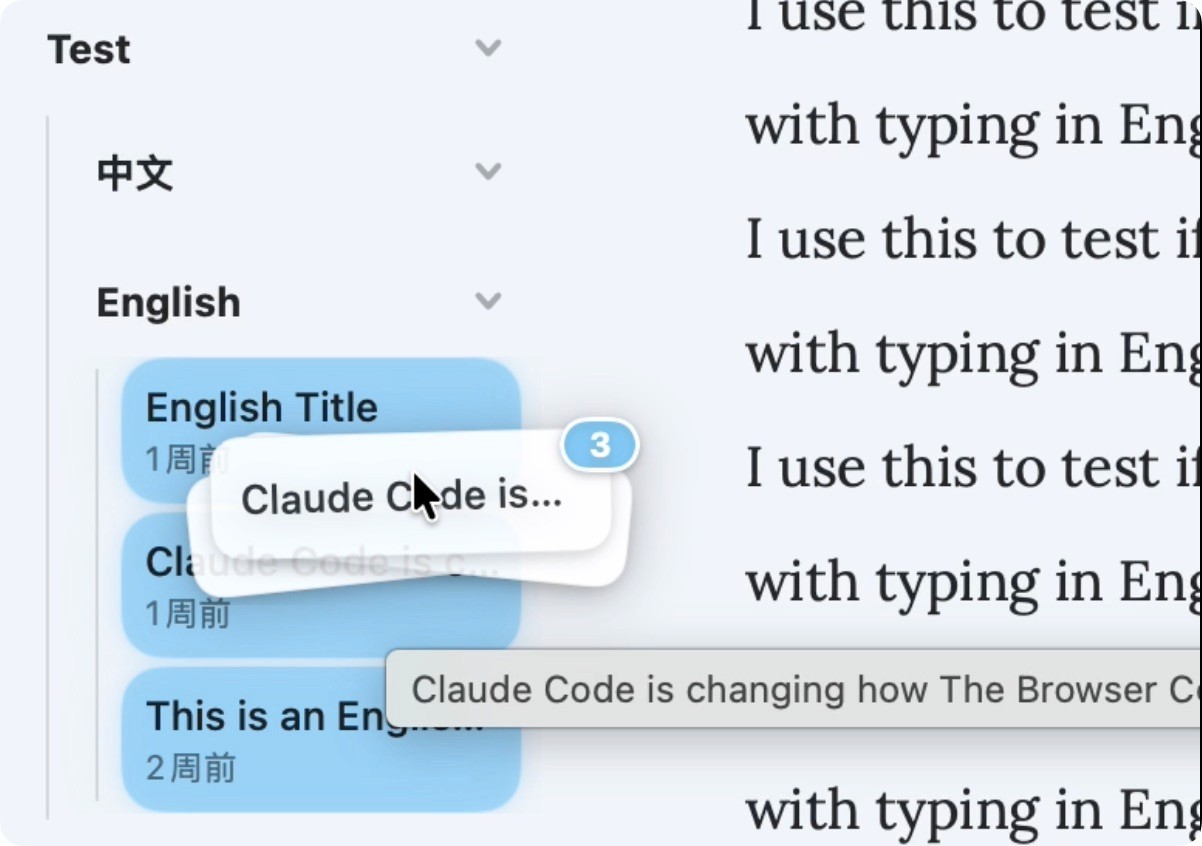
A sidebar of notes and folders. A single SwiftData model carries both notes and folders, folders nest arbitrarily, everything moves and reorders by drag-and-drop, and shift/cmd multi-select works as you'd expect.
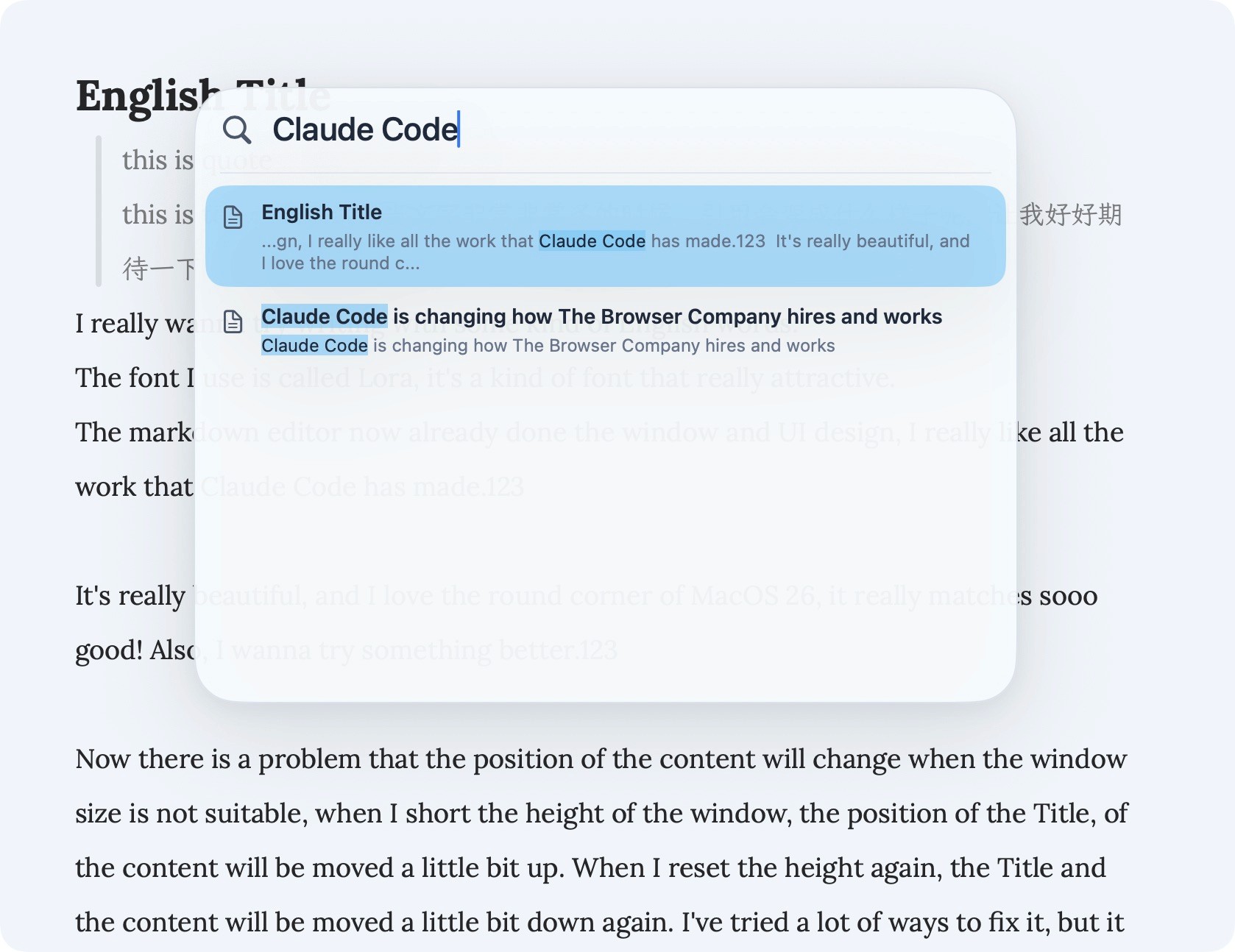
Global search. A floating panel searches across every note, matching both titles and body text, with highlighted keywords and full keyboard navigation (arrow keys + return).
Export. Out to Markdown, PDF, HTML, or plain text.
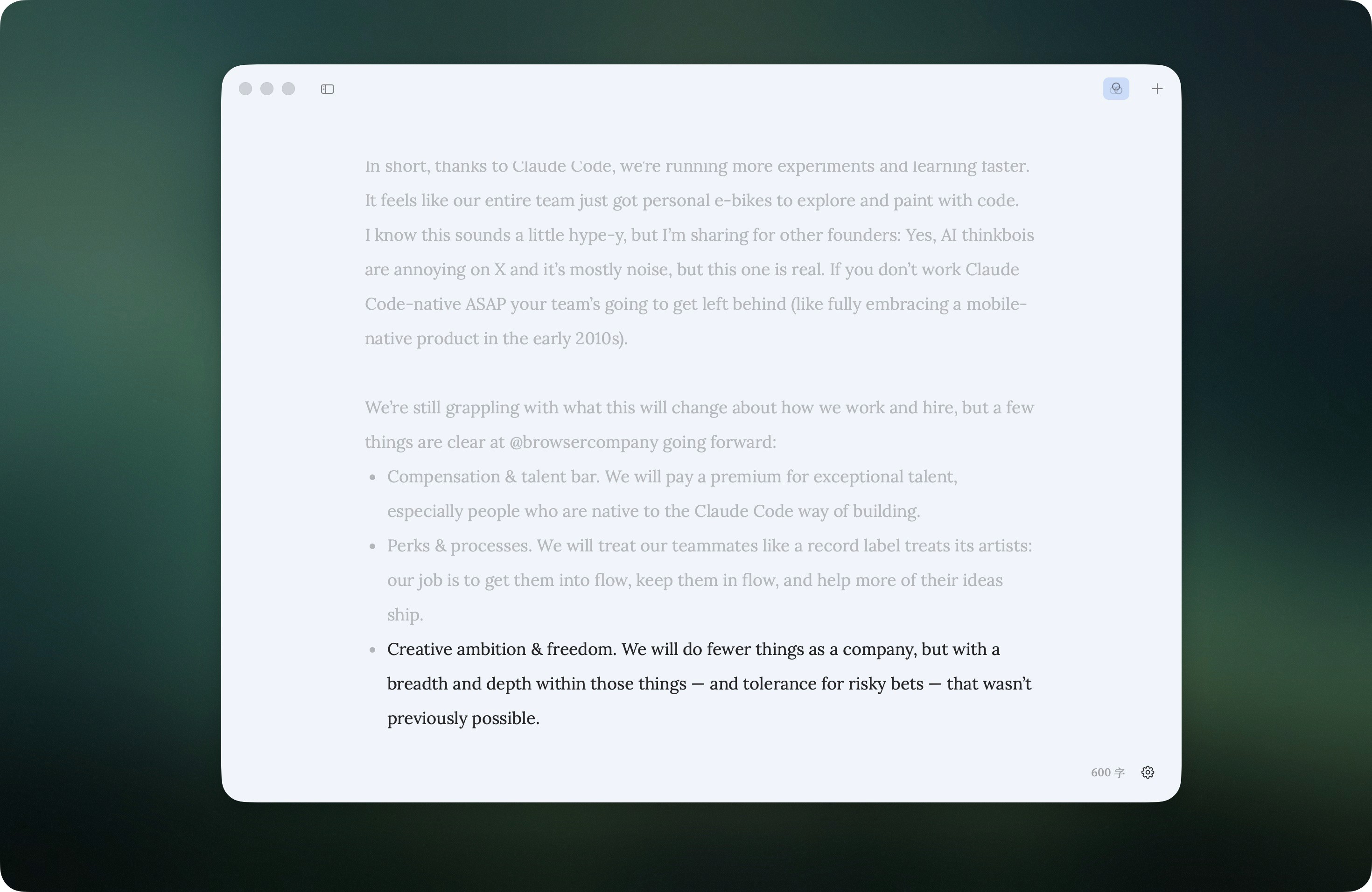
And all the things hiding in the details: autosave 0.5 seconds after you stop typing, restoring the exact note you were last writing when you reopen the app, a focus mode, an accurate word count that understands mixed Chinese-English text, and a full set of keyboard shortcuts.
What vibe coding felt like
Almost all of this code grew out of an ongoing conversation with an AI. My job was to define how I wanted things to feel—keeping the judgment calls about aesthetics and interaction firmly in my own hands. The AI's job was to translate those fuzzy ideas into the grubby, detailed work: rewriting NSTextView, implementing the font cascade, serializing attachments back and forth.
The most rewarding part was being able to file down, one by one, all the little things that "other apps do this way but I don't like it"—the cursor shouldn't turn into a text I-beam while the settings menu is open, the window shouldn't flicker while typing long passages, a note shouldn't be draggable into the editing area. That sense of I get the final say is something you can never get from off-the-shelf software.
It's now the main tool I write in every day. To me, that's vibe coding at its best: not a show of technical tricks, but genuinely making something I use daily and like more the longer I use it.